Описание
studio — официальный инструмент Automattic для локальной разработки на WordPress: десктопное приложение и CLI — локальный сайт в один клик или команду, темы и блоки — создание и редактирование через скиллы, паттерны — генерация повторно используемых блоков, миграции — перенос сайтов между окружениями, QA дизайна — проверка соответствия макету. Для разработчиков на WordPress, автоматизирующих локальную разработку и работу с блоками через агента.
Что умеет:
— поднимать локальный WordPress;
— создавать темы, блоки и паттерны;
— мигрировать сайты;
— проводить дизайн-QA.
Полная документация ниже — автоматически из репозитория automattic/studio (ветка master). Оригинальные материалы проекта распространяются на условиях его лицензии.

WordPress Studio
WordPress Studio is an open source desktop application for creating and managing WordPress sites and testing and building plugins and themes locally. Powered by WordPress.com, it streamlines modern WordPress development workflows and requires no external dependencies.
Spin up sites in seconds, sync with WordPress.com or Pressable, or import any WordPress site to work on it locally. Use the Studio CLI to access WordPress Studio features outside the desktop application. Share live preview links with clients, and collaborate with the built-in Studio Code assistant that runs WP-CLI commands natively.
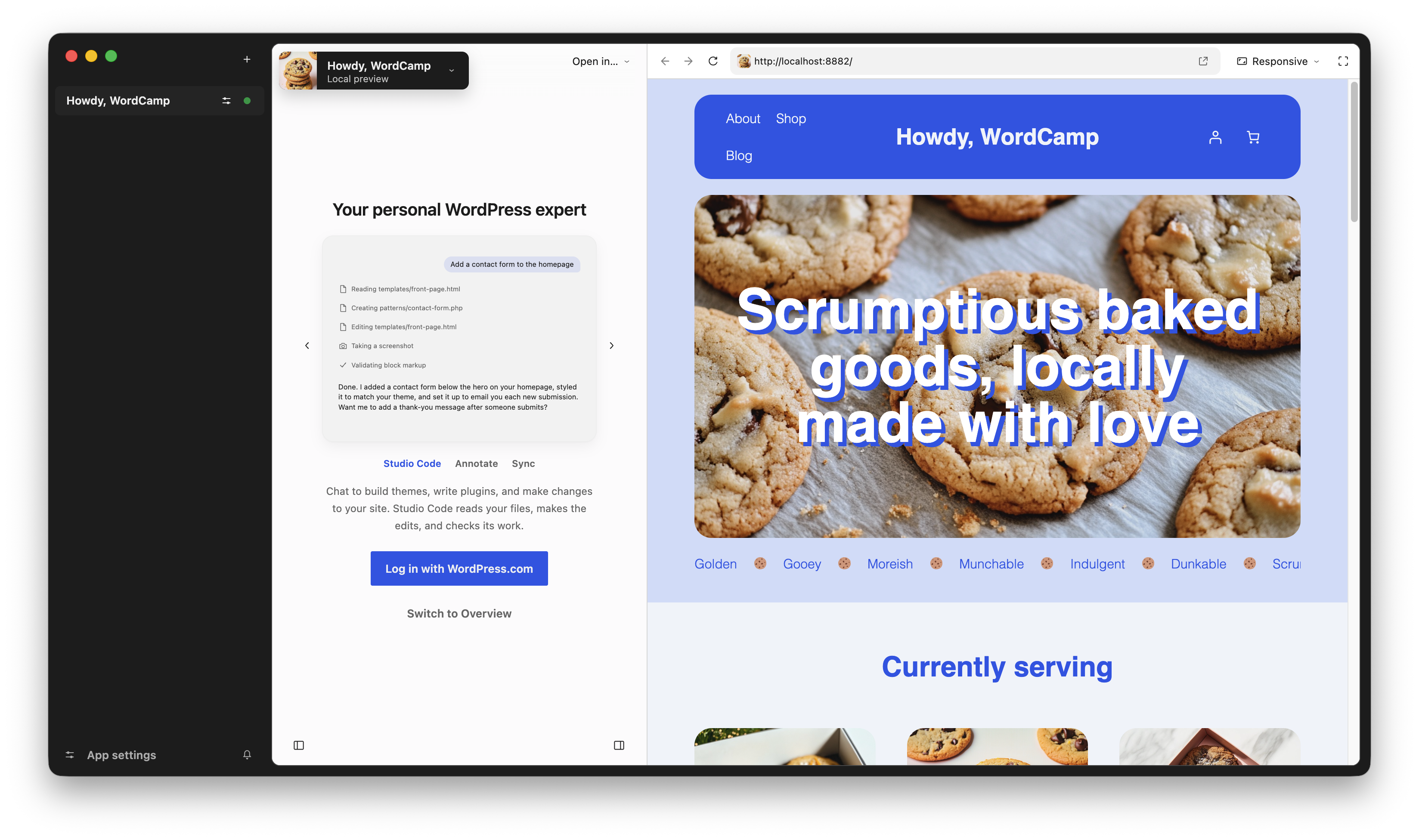
Get started
WordPress Studio is free to use for Mac, Windows, and Linux. Simply download the app to start building and testing — no dependencies required.
Download WordPress Studio for:
- macOS (Intel or Apple Silicon)
- Windows (x64 or ARM64)
- Linux (x64 or ARM64)
Highlights
Studio Sync
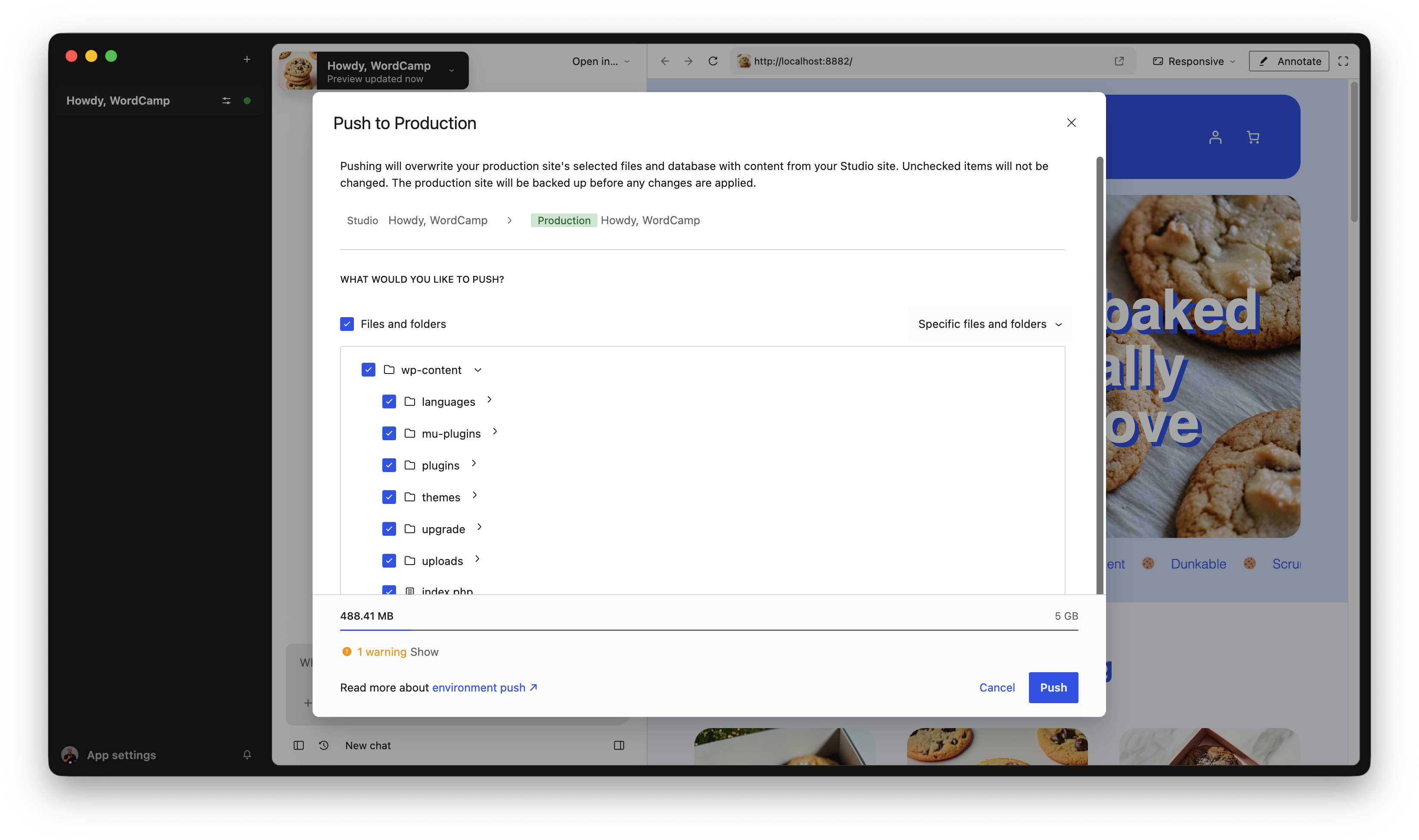
Push updates or pull down a WordPress.com or Pressable production or staging site with just a few clicks. Choose exactly which parts of your site to sync, like specific plugins, standalone themes, or the database, so you’re always in control. Learn more about Studio Sync →
Free Cloud-hosted Preview Sites
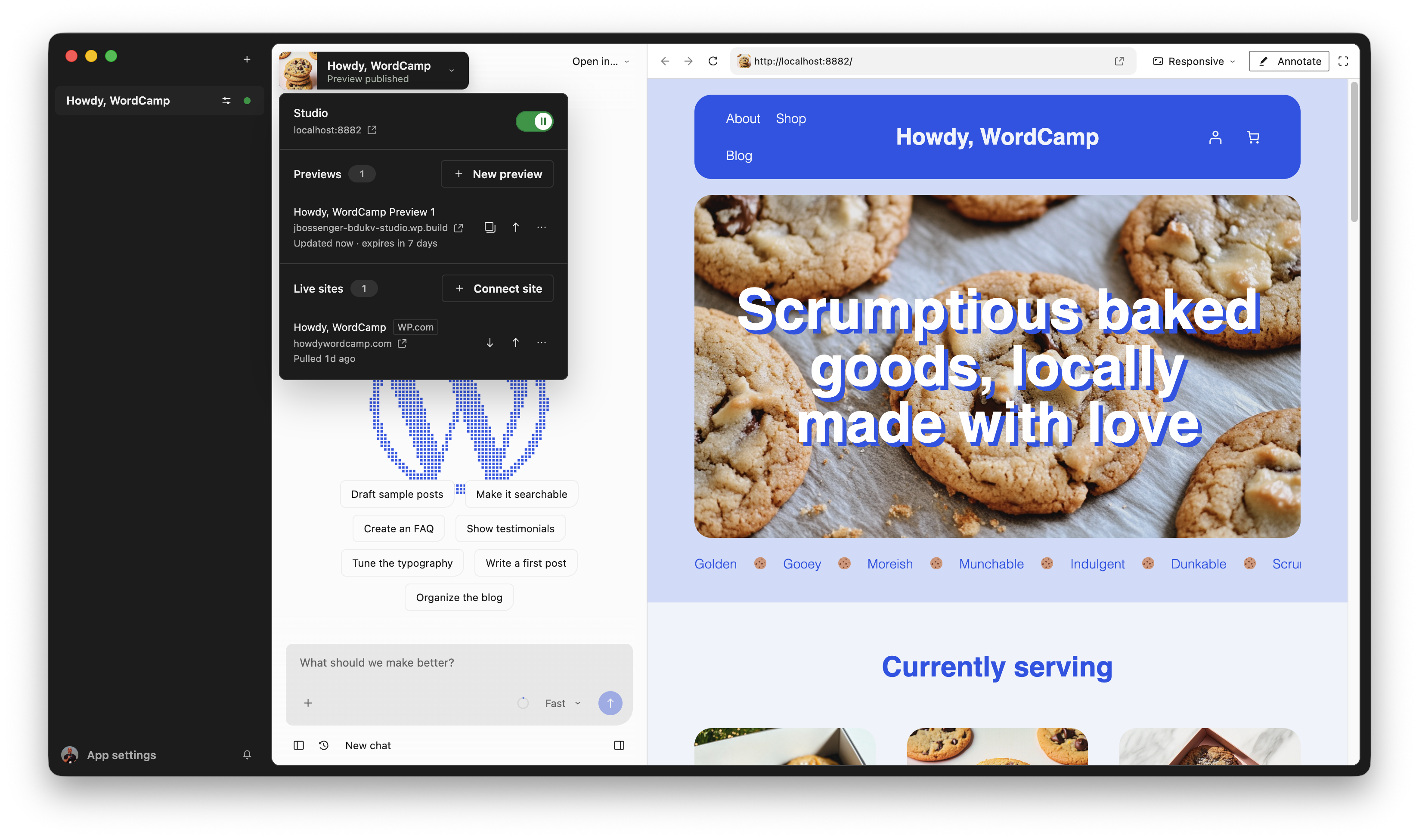
Preview, polish, then hand it off. Share a stable, cloud-hosted preview link that your clients or team can access at any time. Preview sites expire after seven days without updates. Learn more about Preview Sites →
Studio Code
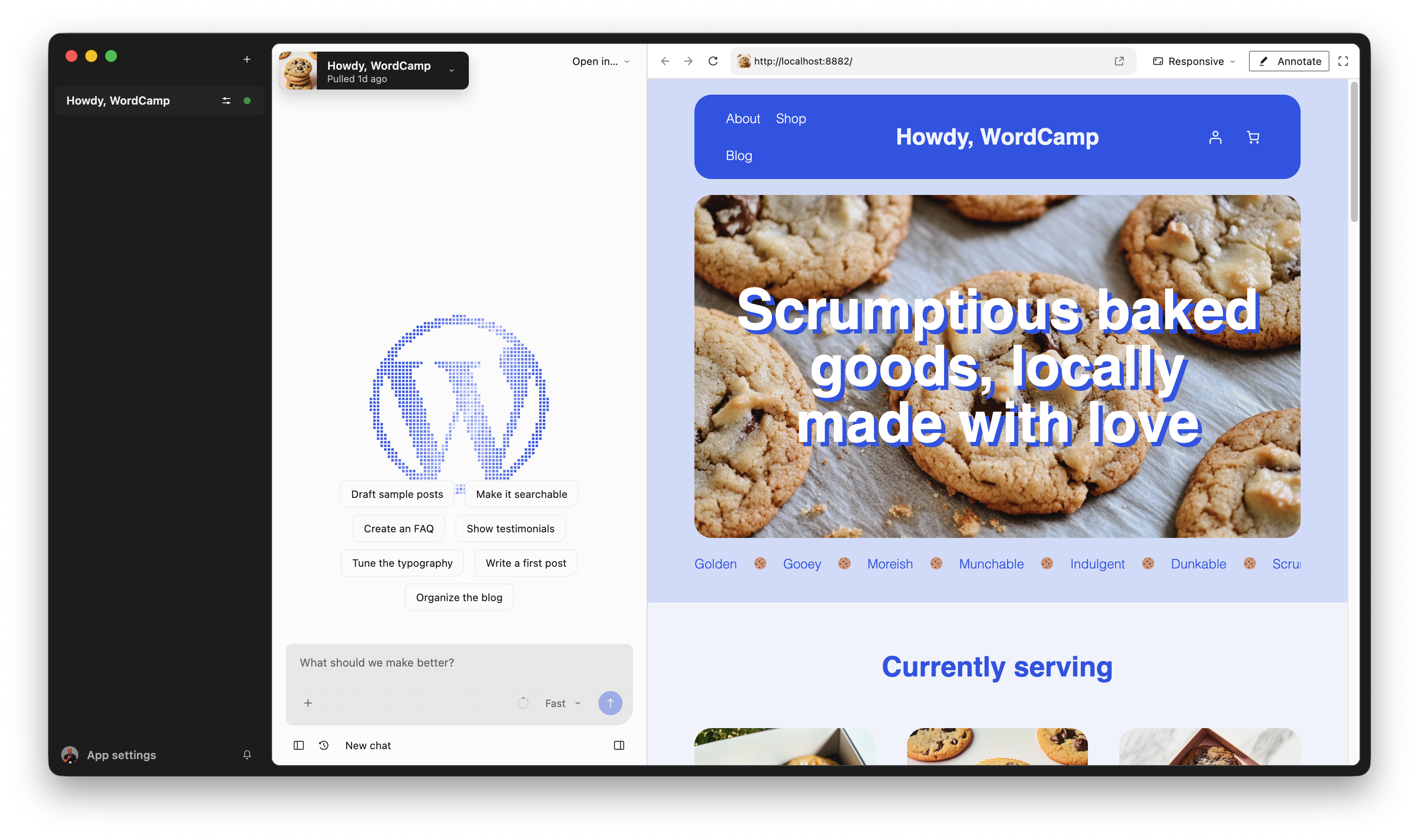
Skip the repetitive setup and ask Studio Code to install plugins, create pages, or run WP-CLI commands without leaving the app or searching for syntax. Learn more about Studio Code →
Explore the documentation
- Installation instructions
- Feature guides
- Troubleshooting and FAQs
Give feedback and contribute
We’d love to hear about your experience using Studio. If you have questions, suggestions, or run into issues, reach out to our Happiness Engineers. Because Studio is open source, you can also:
- Open a GitHub Issue to to suggest ideas or report bugs
- Submit pull requests for bug fixes and enhancements
- Help translate Studio into your language via GlotPress
- Proposals for new features may require additional review and discussion
For details, please see our Contributing Guidelines and Code Contributions guide.
License
WordPress Studio is GPLv2 licensed.