Описание
MediaPipe — фреймворк готовых ML-решений от Google для edge-устройств. Распознавание лиц, рук, поз тела, жестов, сегментация и трекинг работают на устройстве в реальном времени на Android, iOS, вебе и десктопе.
Что умеет:
— распознавать лица, позы и жесты на устройстве;
— работать в реальном времени на камере;
— развёртываться на мобильных и в браузере;
— давать готовые пайплайны без обучения.
Полная документация ниже — автоматически из репозитория google-ai-edge/mediapipe (ветка master). Оригинальные материалы проекта распространяются на условиях его лицензии.
layout: forward
target: https://developers.google.com/edge/mediapipe
title: Home
nav_order: 1
Attention: See https://developers.google.com/edge/mediapipe
for the primary developer documentation site for MediaPipe.
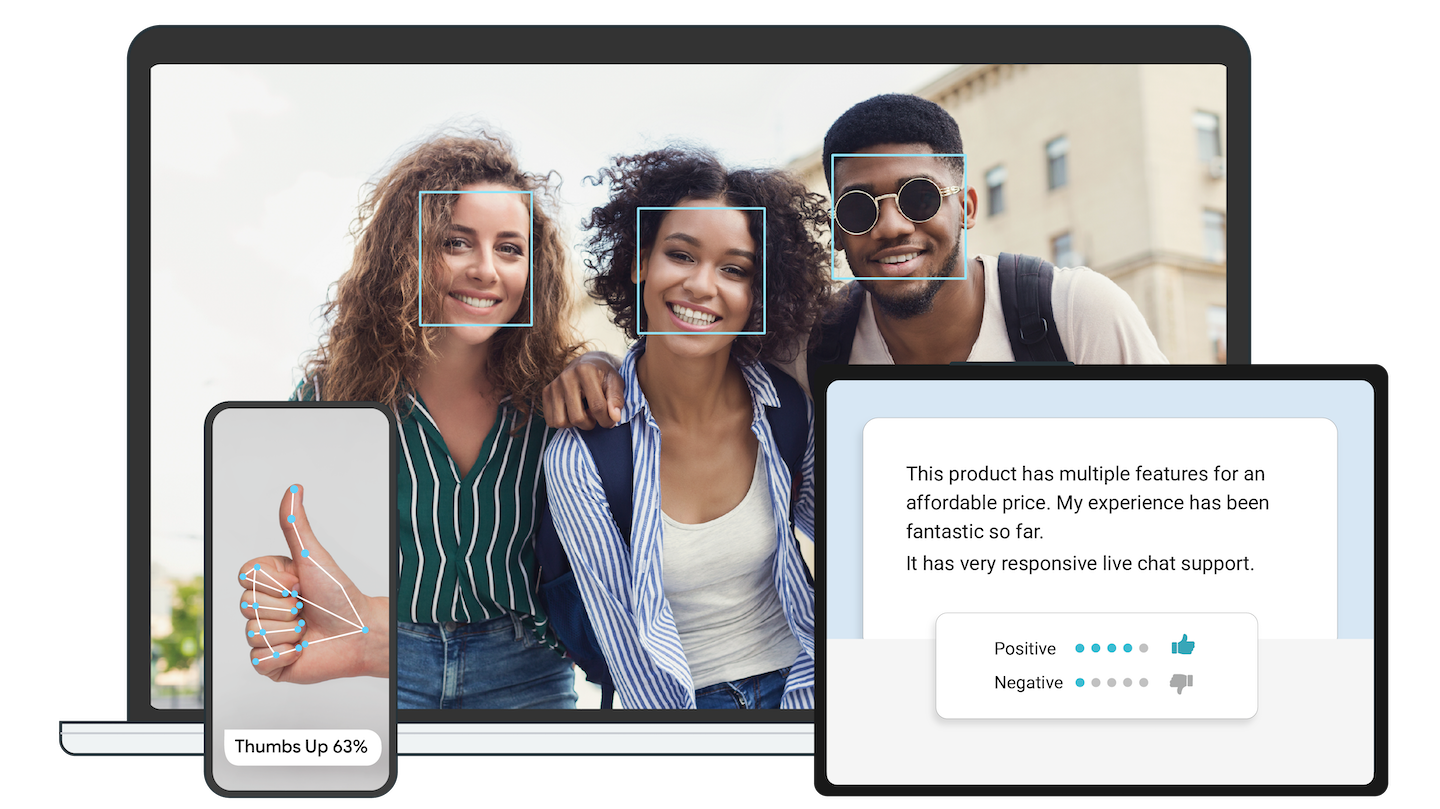
On-device machine learning for everyone
Delight your customers with innovative machine learning features. MediaPipe
contains everything that you need to customize and deploy to mobile (Android,
iOS), web, desktop, edge devices, and IoT, effortlessly.
Get started
You can get started with MediaPipe Solutions by following the developer guides
for each solution, including:
If you need help setting up a development environment for use with MediaPipe
Tasks, follow our setup guides for:
Solutions
MediaPipe Solutions provides a suite of libraries and tools for you to quickly
apply artificial intelligence (AI) and machine learning (ML) techniques in your
applications. You can plug these solutions into your applications immediately,
customize them to your needs, and use them across multiple development
platforms. MediaPipe Solutions is part of the MediaPipe open source
project, so you can further
customize the solutions code to meet your application needs.
These libraries and resources provide the core functionality for each MediaPipe
Solution:
- MediaPipe Tasks: Cross-platform APIs and libraries for deploying
solutions. Learn
more. - MediaPipe models: Pre-trained, ready-to-run models for use with each
solution.
To customize and evaluate solutions, use MediaPipe Studio. It lets you
visualize, test, and benchmark solutions in your browser.
Learn more and
see our demos.
Framework
To start using MediaPipe Framework, install MediaPipe
Framework
and start building example applications in C++, Android, and iOS.
MediaPipe Framework is
the low-level component used to build efficient on-device machine learning
pipelines, similar to the premade MediaPipe Solutions.
Before using MediaPipe Framework, familiarize yourself with the following key
Framework
concepts:
Community
- Discuss – General
community discussion around MediaPipe. - Awesome MediaPipe – A
curated list of awesome MediaPipe related frameworks, libraries and
software.
Contributing
We welcome contributions. Please follow these
guidelines.
We use GitHub issues for tracking requests and bugs. Please post questions to
the MediaPipe Stack Overflow with a mediapipe tag.
Privacy Notice
Last modified: June 5, 2026
When you use MediaPipe Tasks, processing of the input data (e.g. images, video,
text) takes place on device, and MediaPipe does not send that input data to
Google servers. As a result, you can use our MediaPipe Tasks APIs for processing
data that should not leave the device.
MediaPipe Tasks APIs send metrics about the performance and utilization of the
APIs in your app to Google. Google uses this metrics data to measure
performance, usage, debug, maintain and improve the MediaPipe Tasks, as further
described in our Privacy Policy.
You are responsible for obtaining informed consent from your app users about
Google’s processing of MediaPipe metrics data as required by applicable law.
###Publications
- Bring multimodal semantic search to the edge with EmbeddingGemma 2
in Google Developers Blog - Bringing artworks to life with AR
in Google Developers Blog - Prosthesis control via Mirru App using MediaPipe hand tracking
in Google Developers Blog - SignAll SDK: Sign language interface using MediaPipe is now available for
developers
in Google Developers Blog - MediaPipe Holistic – Simultaneous Face, Hand and Pose Prediction, on
Device
in Google AI Blog - Background Features in Google Meet, Powered by Web ML
in Google AI Blog - MediaPipe 3D Face Transform
in Google Developers Blog - Instant Motion Tracking With MediaPipe
in Google Developers Blog - BlazePose – On-device Real-time Body Pose Tracking
in Google AI Blog - MediaPipe Iris: Real-time Eye Tracking and Depth Estimation
in Google AI Blog - MediaPipe KNIFT: Template-based feature matching
in Google Developers Blog - Alfred Camera: Smart camera features using MediaPipe
in Google Developers Blog - Real-Time 3D Object Detection on Mobile Devices with MediaPipe
in Google AI Blog - AutoFlip: An Open Source Framework for Intelligent Video Reframing
in Google AI Blog - MediaPipe on the Web
in Google Developers Blog - Object Detection and Tracking using MediaPipe
in Google Developers Blog - On-Device, Real-Time Hand Tracking with MediaPipe
in Google AI Blog - MediaPipe: A Framework for Building Perception Pipelines