Описание
Stirling-PDF — самохостящийся набор инструментов для работы с PDF: слияние и разделение документов, сжатие, конвертация между форматами, OCR, добавление водяных знаков и подписей, редактирование метаданных. Все операции выполняются локально — файлы не покидают сервер, что критично для конфиденциальных документов. Удобный веб-интерфейс и Docker-развёртывание.
Что умеет:
— объединять и разделять PDF;
— сжимать и конвертировать документы;
— распознавать текст через OCR;
— работать полностью локально.
Полная документация ниже — автоматически из репозитория Stirling-Tools/Stirling-PDF (ветка main). Оригинальные материалы проекта распространяются на условиях его лицензии.

Stirling PDF – The Open-Source PDF Platform
Stirling PDF is a powerful, open-source PDF editing platform. Run it as a personal desktop app, in the browser, or deploy it on your own servers with a private API. Edit, sign, redact, convert, and automate PDFs without sending documents to external services.



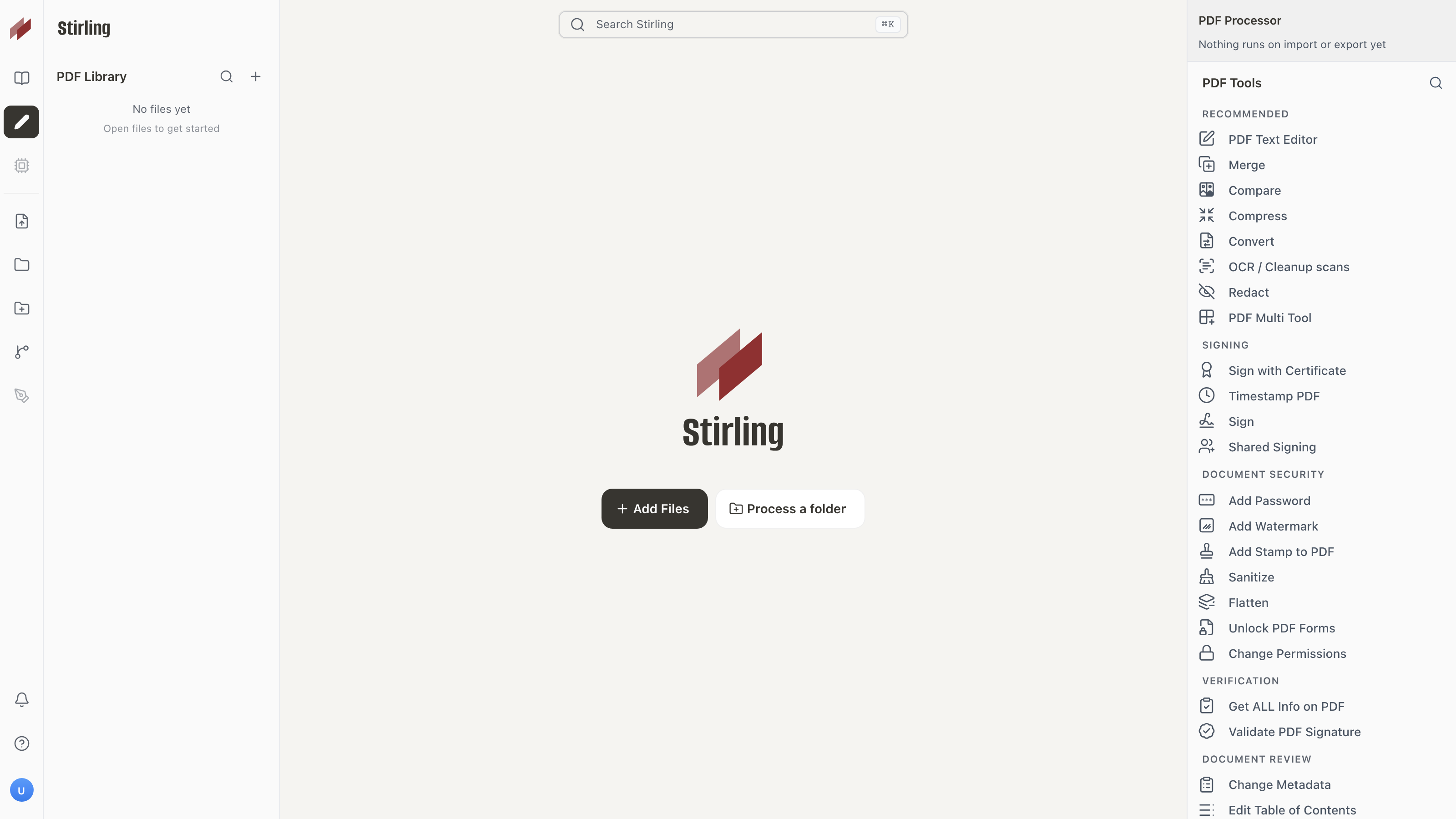
Key Capabilities
- Everywhere you work – Desktop client, browser UI, and self-hosted server with a private API.
- 50+ PDF tools – Edit, merge, split, sign, redact, convert, OCR, compress, and more.
- Automation & workflows – No-code pipelines direct in UI with APIs to process millions of PDFs.
- Enterprise‑grade – SSO, auditing, and flexible on‑prem deployments.
- Developer platform – REST APIs available for nearly all tools to integrate into your existing systems.
- Global UI – Interface available in 40+ languages.
For a full feature list, see the docs: https://docs.stirlingpdf.com
Quick Start
docker run -p 8080:8080 docker.stirlingpdf.com/stirlingtools/stirling-pdf
Then open: http://localhost:8080
For full installation options (including desktop and Kubernetes), see our Documentation Guide.
Resources
Support
- Community: Discord
- Bug Reports: GitHub Issues
Contributing
We welcome contributions! Please see CONTRIBUTING.md for guidelines.
This project uses Task as a unified command runner for all build, dev, and test commands. Run task dev to get started running the editor, run task to see the most common commands, or see the Developer Guide for full details.
For adding translations, see the Translation Guide.
License
Stirling PDF is open-core. See LICENSE for details.