Описание
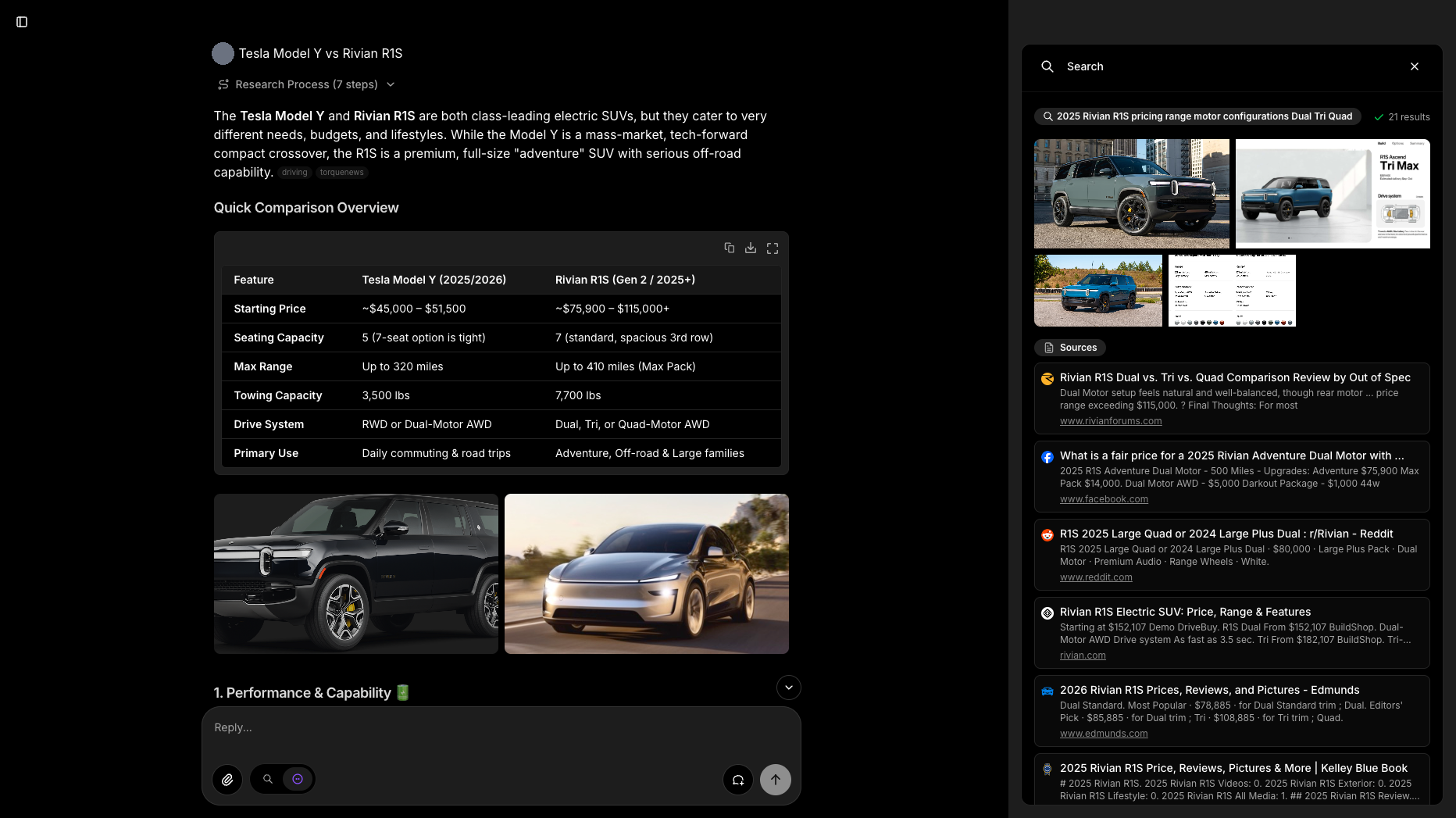
Morphic — открытый генеративный поисковик: ответы на вопросы со ссылками на источники, стек Next.js и Vercel AI SDK, генеративные UI прямо в результатах поиска, подключение разных поисковых API и LLM, развёртывание на Vercel в один клик, удобная база для собственных поисковых продуктов.
Что умеет:
— отвечать на вопросы с источниками;
— строить генеративные интерфейсы;
— работать с разными LLM;
— разворачиваться на Vercel.
Полная документация ниже — автоматически из репозитория miurla/morphic (ветка main). Оригинальные материалы проекта распространяются на условиях его лицензии.
Morphic
An AI-powered search engine with a generative UI.




Features
- AI-powered search with grounded, cited answers
- Generative UI — answers render rich inline components (source-credited images, grids, headings) live from a streamed JSON spec, beyond plain markdown
- Search modes: Quick and Adaptive
- Model selector with dynamic provider detection (OpenAI, Anthropic, Google, Ollama, Vercel AI Gateway, OpenAI-compatible providers)
- Multiple search providers (Tavily, SearXNG, Brave, Exa)
- Chat history stored in PostgreSQL
- Share search results with unique URLs
- File upload support
- User authentication with built-in accounts (Better Auth) or Supabase Auth
- Guest mode for anonymous usage
- Docker deployment ready
Installation
Docker (Recommended)
The quickest way to run Morphic locally:
docker pull ghcr.io/miurla/morphic:latest
Then set up with Docker Compose:
- Clone the repository and configure environment:
git clone https://github.com/miurla/morphic.git
cd morphic
cp .env.local.example .env.local
- Edit
.env.localand set at least one AI provider API key:
OPENAI_API_KEY=your_openai_key
See supported providers for other options (Anthropic, Google, Ollama, Vercel AI Gateway, OpenAI-compatible providers).
- Start all services:
docker compose up -d
- Visit http://localhost:3000 and select your model from the model selector.
Docker Compose starts PostgreSQL, Redis, SearXNG, and Morphic automatically. No additional search API key is needed — SearXNG is included.
See the Docker Guide for more options including building from source and file upload configuration.
Local Development
- Clone and install:
git clone https://github.com/miurla/morphic.git
cd morphic
bun install
- Configure environment:
cp .env.local.example .env.local
Edit .env.local and set your API keys:
OPENAI_API_KEY=your_openai_key
TAVILY_API_KEY=your_tavily_key
To enable chat history, authentication, file upload, and other features, see CONFIGURATION.md.
For what a self-hosted instance sends outbound, and what is off by default, see PRIVACY.md.
- Start the dev server:
bun dev
Visit http://localhost:3000.
Deploy
Vercel
Contributing
We welcome contributions! Please see our Contributing Guide for details on how to get started, including local development setup.
License
This project is licensed under the Apache License 2.0 – see the LICENSE file for details.